Next-generation Reports
One editor for every layout, and reports built from a conversation
Overview
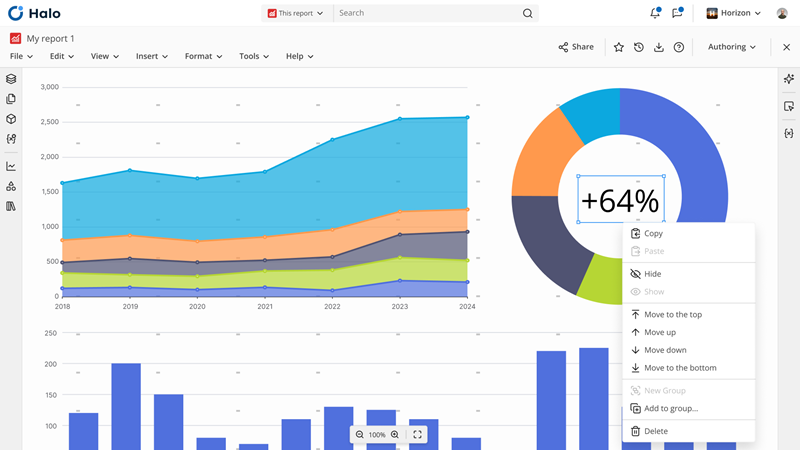
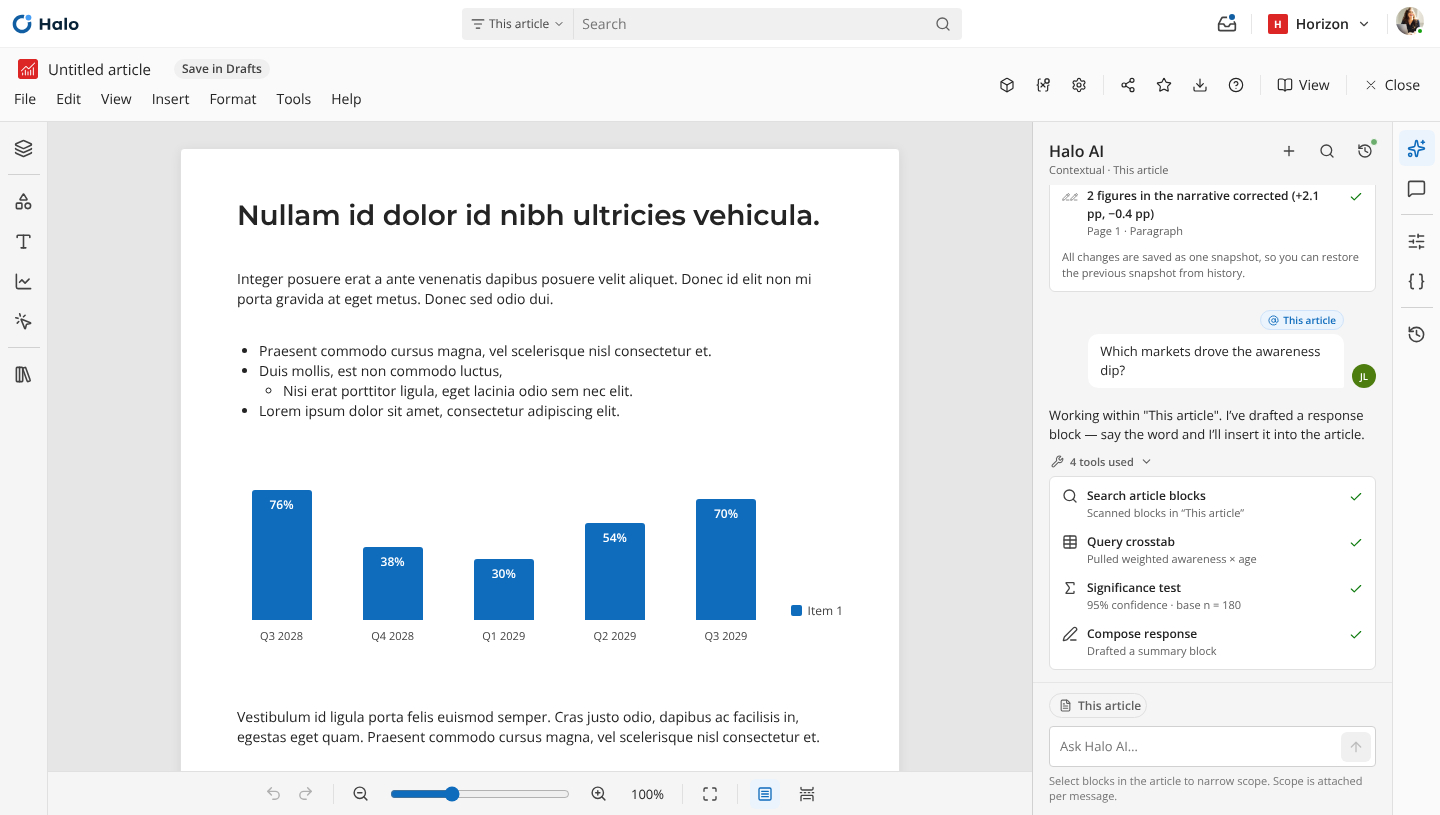
Next-generation Reports is a redesign of Halo's reporting tool, shaped by two big changes. It's built on a shared document format used across all of Halo's content, and it puts Halo AI at the centre of how reports get made, so people can create reports and analysis from a conversation.
Challenge
Reports in Halo were always interactive, but the original tool had limits built in. Analyze and its Compose module had to stay compatible with Discover and Stories, so a report could only be slides and tables.
While discussing how to improve report creation, we realised it would be better to start from a clean slate, as a modern data visualisation tool and document editor.
My role
My goal was to establish the core principles of the new editor. Today I oversee the design process and keep Reports consistent with Halo's other editors and integrated with its core mechanics, like AI chat, content management and notifications. I was also actively involved in defining the shared document format with Engineering and Product.
The project is still in progress.
One document format
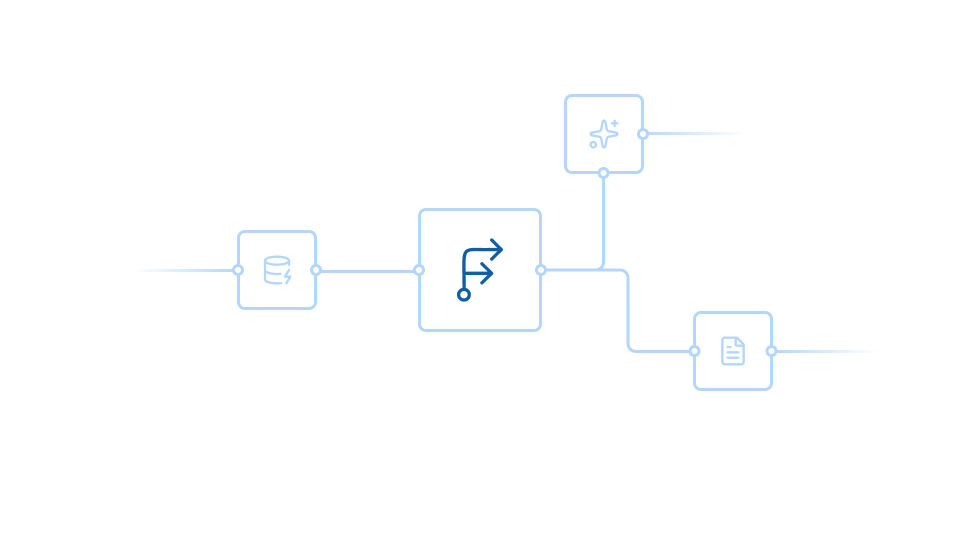
Every part of Halo, and every agent, works with content in the same document format, so a document doesn't belong to any one tool. Reports is designed to be the interface for editing all of it, so what Flows, Pulse and Halo AI create can be opened, edited and extended there.
Key decisions
AI chat first, with strong opinions you can override. The main way to create and edit a report is a conversation with Halo AI, with in-depth options within reach for precise control. Reports makes opinionated decisions by default, and people can change any of them. Their saved choices always win, over system defaults and over any AI agent.
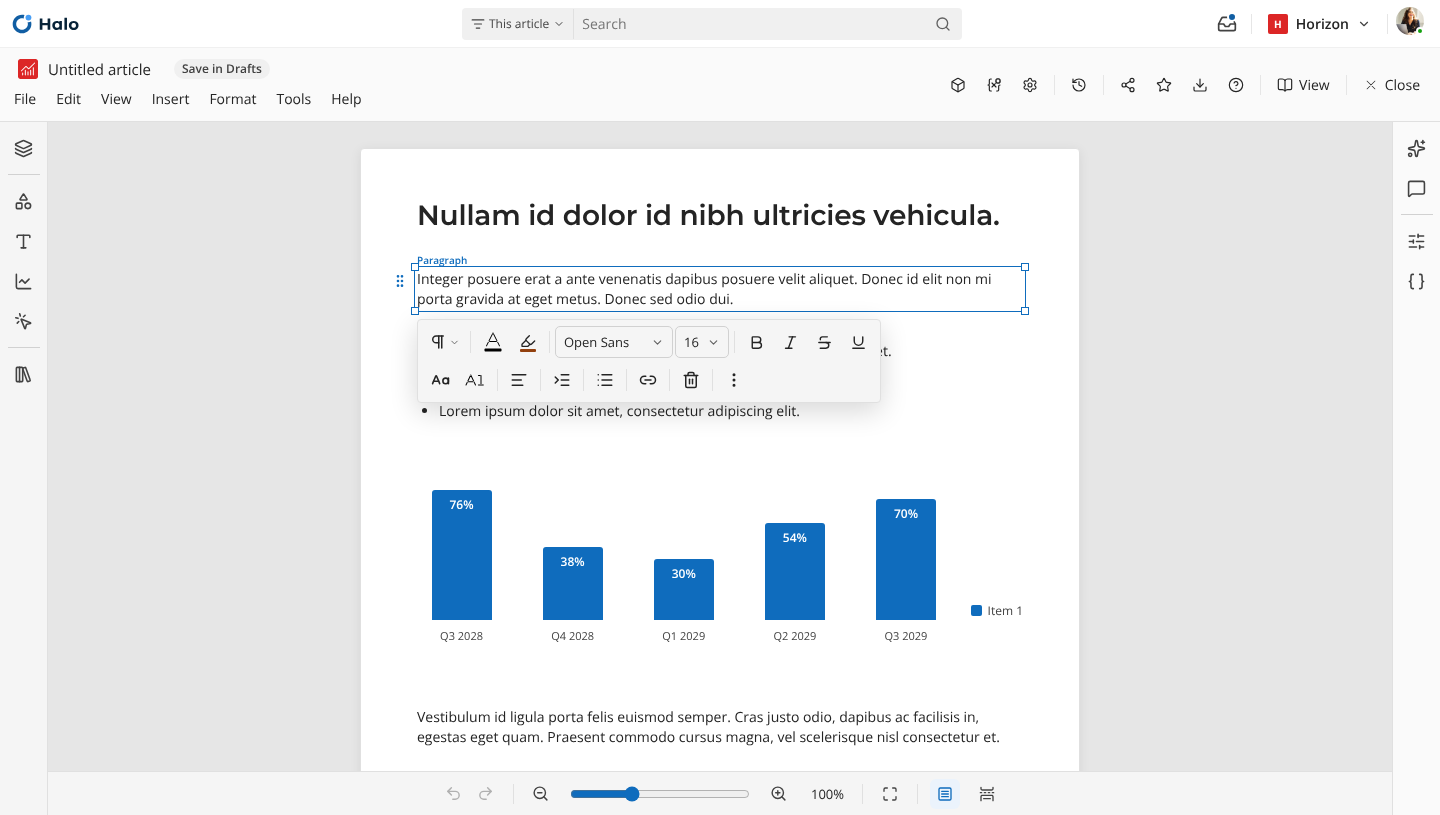
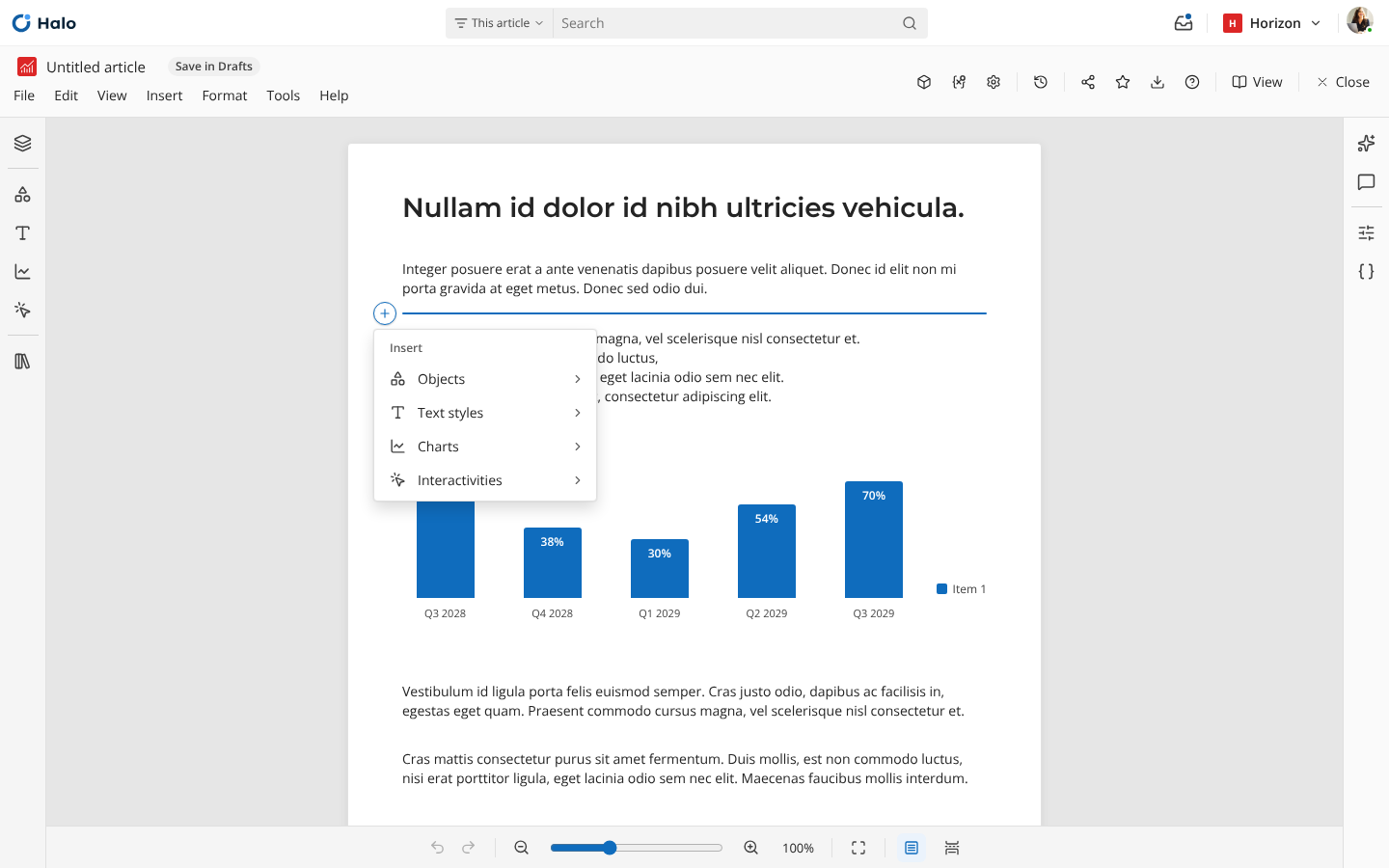
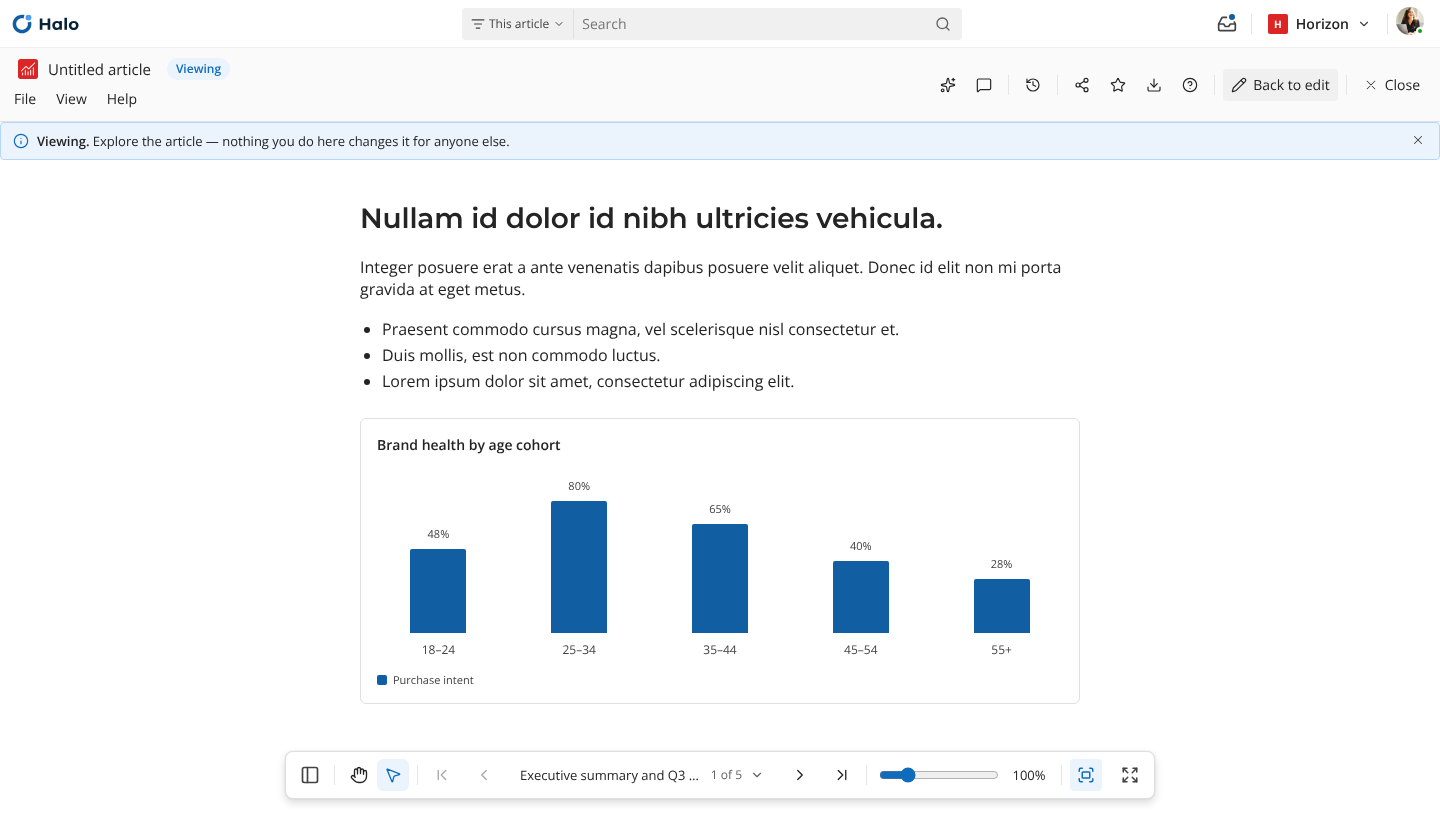
Many layouts, not one canvas. The first idea was a single canvas. Instead we split a report into layouts, such as pages, slides and canvases, so each kind of content gets a format that fits how customers use it, and one report can combine several.