AI-native design process
How my team designs with AI, from defining the problem to analysing the results
Challenge
I was tasked with reimagining our design process around AI, so the design team could deliver more, faster, and keep up with the pace of development, which AI was speeding up too.
In the old process everything was designed by hand in Figma. It took a lot of time, and the result was static mockups that were hard to hand off. Keeping the design system and every artboard up to date in Figma was a job in itself.
Process overview
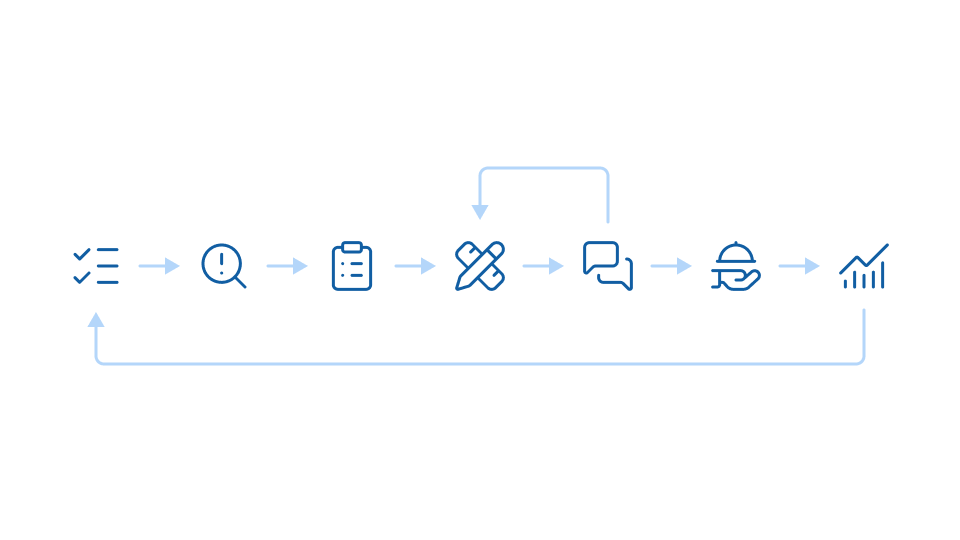
Our process has seven steps and runs as a loop: what we learn at the end shapes the next problem we take on. The steps aren't new. What's changed is how much comes out of them: AI does more of the legwork at every step, and people make the decisions.
Step 1: Define the problem
Every project starts by agreeing on the problem: what we're solving and for whom, so everything that follows has something clear to be measured against. AI helps by providing the data that proves the problem is real.
Step 2: Research
Research starts broad, and AI makes it much faster. We use Claude Code and NotebookLM to explore the problem space, and Claude analyses interview transcripts and queries our PostHog usage data. Choosing what to look into, and what the findings mean, stays with us.
Step 3: Requirements
Requirements come together in a PRD, including the measures of success we'll check the finished work against. A discussion with the product manager or a designer starts it, our internal agent writes the first draft, and the rest of the team refines it.
Step 4: Design
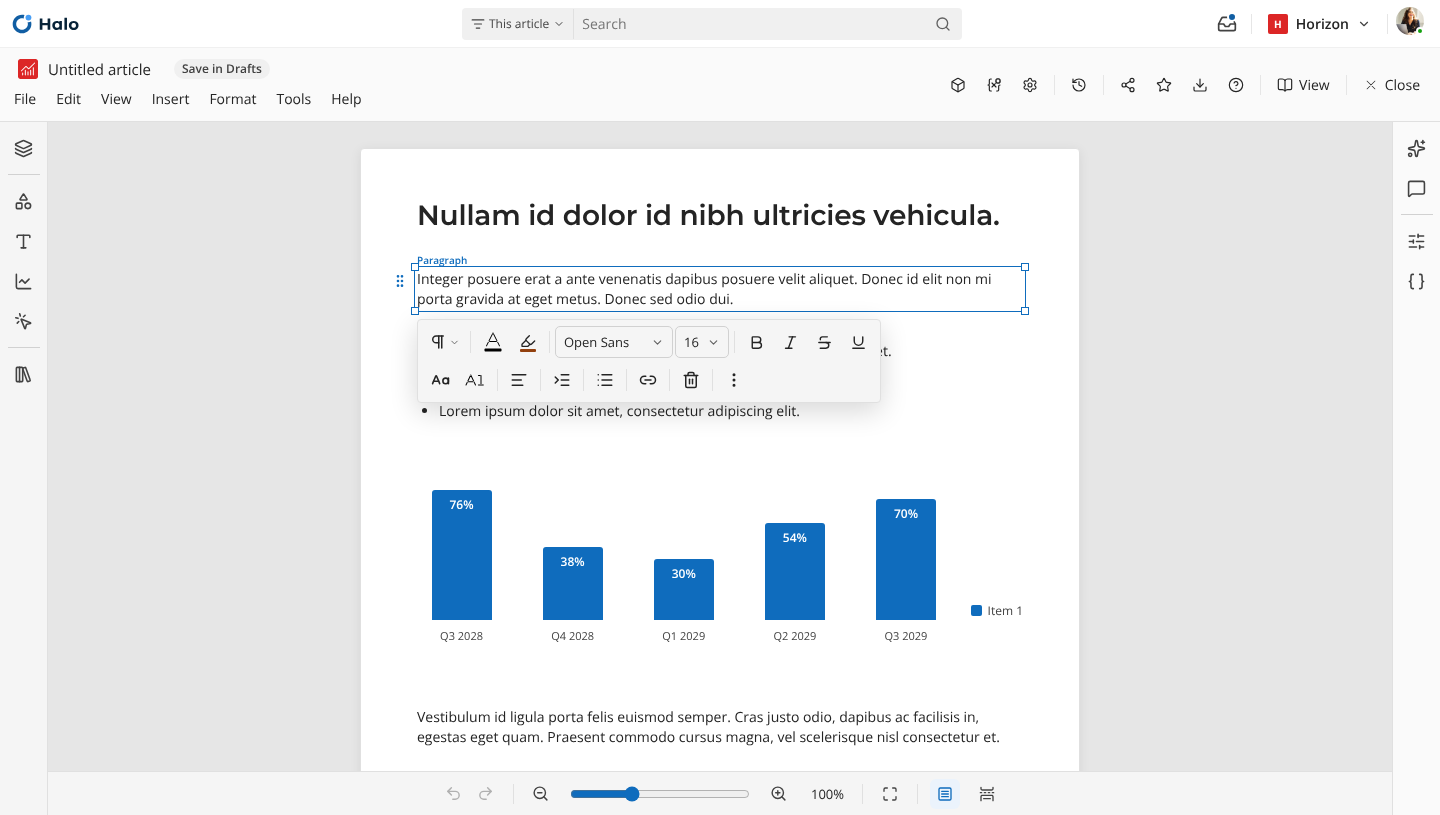
From the PRD we build a working prototype in Claude Design. Our design system lives in code and Claude Design is updated from it, so prototypes never drift from the product. With the pixel pushing gone, designers spend their time thinking and making conscious design decisions.
Step 5: Feedback & testing
Because the prototype works, we can test it with Engineering, business stakeholders, our internal data team and, whenever we can, our users. AI transcribes and tracks the feedback, so designers can focus on the conversation instead of taking notes.
We iterate quickly, and AI makes it easy to change the prototype or build variants to compare. After design reviews, AI turns what was discussed into defects and updates the prototype with the improvements.
Step 6: Handoff
The refined PRD and the prototype are the handoff, and both are AI-friendly. Engineering's agents can read them directly, starting with a scoping agent that helps engineers plan the work before they build it.
Step 7: Analyse the results
Once the work is live, we check it against the measures of success in its PRD. A scheduled agent tracks usage for a set period and reports back, while we run customer interviews and decide what to do next. Those findings become Step 1 of the next project.
Outcome
Designing a feature used to take about a week. Now it takes roughly a day, and the result is an interactive prototype rather than static mockups.
Early exploration now puts up to 20 different ideas on the table instead of one, and designers no longer track and incorporate feedback by hand.
What's next
The tools will keep changing, but the core of the process stays the same. The designer's role is shifting, and rests more on taste and judgement than on manual skills. I'll keep looking at how the process can evolve with it.